Convert any webpage into clean Markdown.
One click. No login. No noise.
From open tab to finished note.
Capture any page, ask it anything, send it where you work.
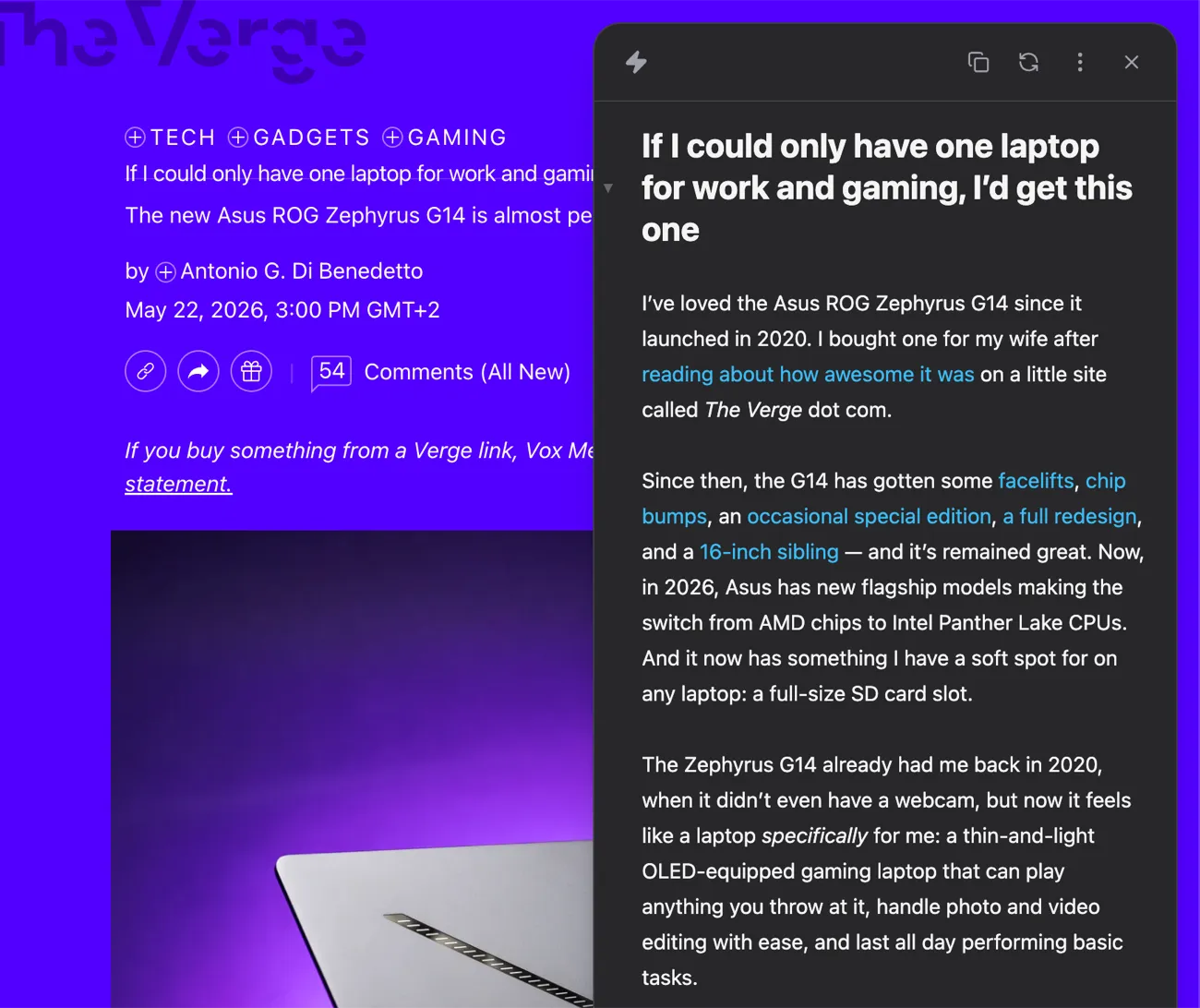
The whole article. None of the clutter.
Turn any page into clean Markdown. Quote it, cite it, or drop it into a prompt.
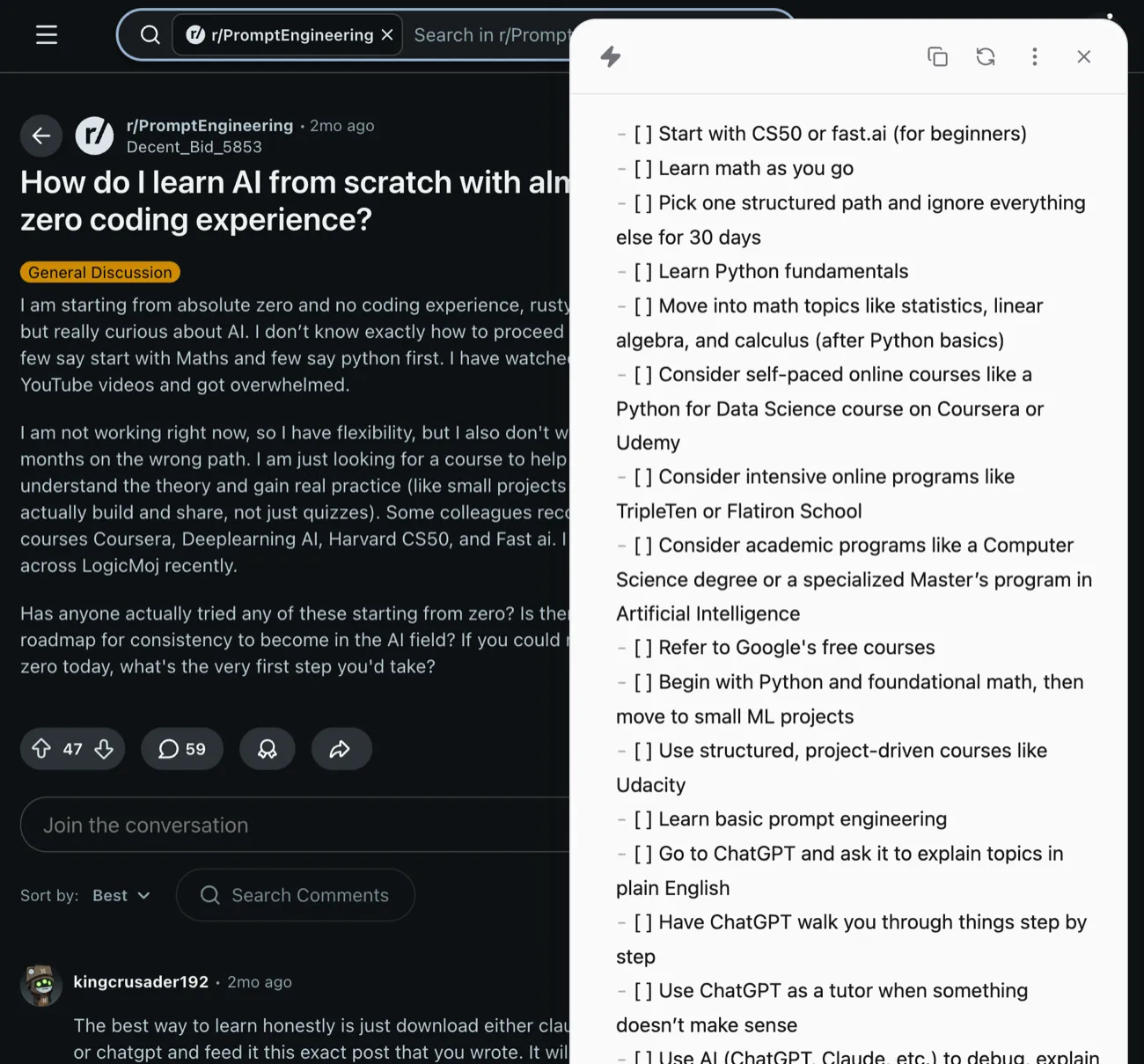
Turn any page into answers.
Summarize it, rewrite it, or ask it anything, without leaving the page.
It lands where you work.
Send it to Obsidian, Readwise, or Notion, fully formatted.
Everything it does.
Capture
- One-click conversion
- Whole X and Reddit threads
- Multi-tab capture
- Works on dynamic sites
- Tables and code
- Inline Markdown editor
- Source info
AI prompts
- Curated everyday prompts
- Build your own prompts
- Any model, your own key
Destinations
- Obsidian
- Readwise Reader
- Notion
- Copy to clipboard
- Download .md
Out of the box
- No account needed
- Runs in your browser
- Light, dark, or system
- Free to use
Common Questions
Is Plain Markdown free?
Yes. AI prompts run on your own OpenRouter or OpenAI key, so your AI provider bills that usage under your own account.
Do I need an account?
No. Install it and it works, with no sign-up.
Which browsers does Plain Markdown support?
Chrome, Brave, and other Chromium-based browsers.
Which AI model does Plain Markdown use?
You bring your own key and pick any model per prompt. An OpenRouter key covers 200+ models from the major providers (Anthropic, OpenAI, Google, and more); an OpenAI key uses OpenAI's models directly.
Does Plain Markdown send my data to a server?
Page conversion runs entirely in your browser. AI prompts go straight from your browser to your AI provider using your own key, so your page content never reaches our server.
Where is my API key stored?
On your device, encrypted, in the extension's local storage. It never syncs across your browsers and never reaches our servers.